
For AI vibe coding
VIBIVS
MAXIMVS
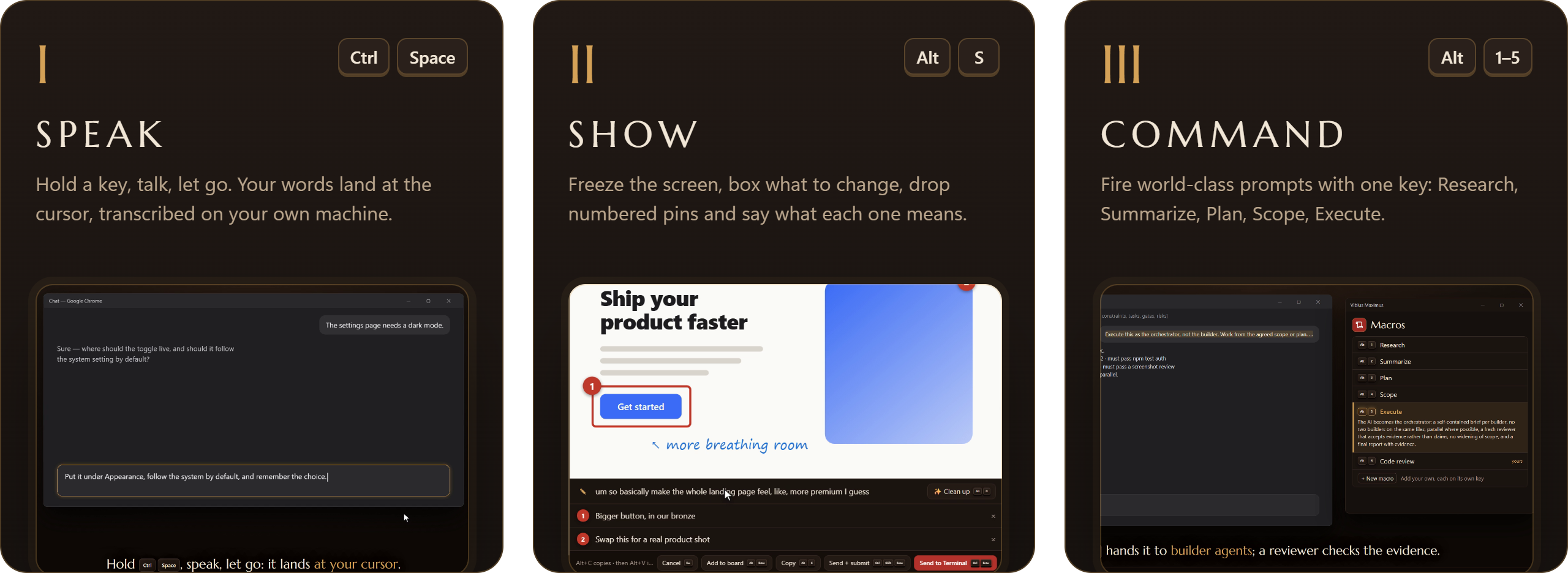
Speak it. Show it. Command your AI.
Offline voice, annotated screen captures and one-key prompt macros for Claude, ChatGPT, Cursor and every terminal agent.
Veni · Vidi · Vibed

The three orders
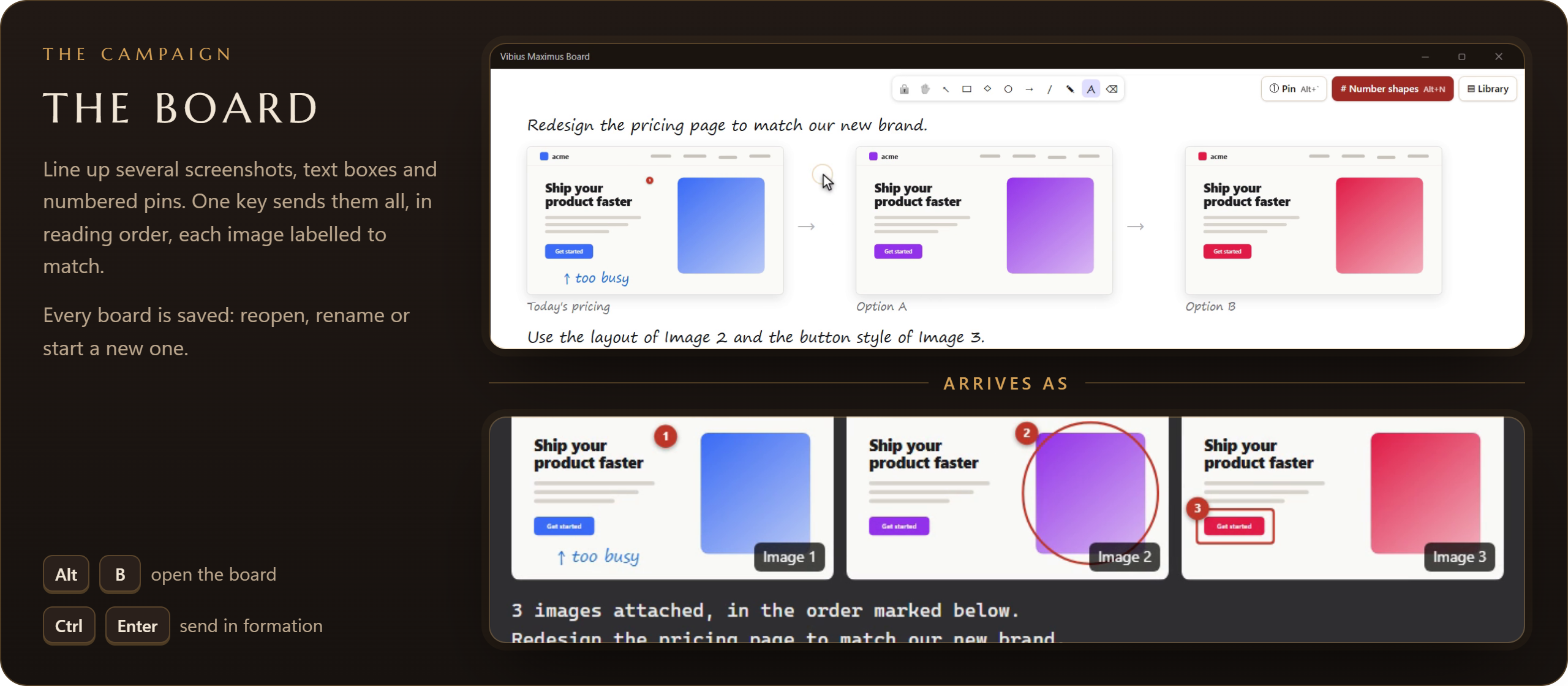
Standing orders
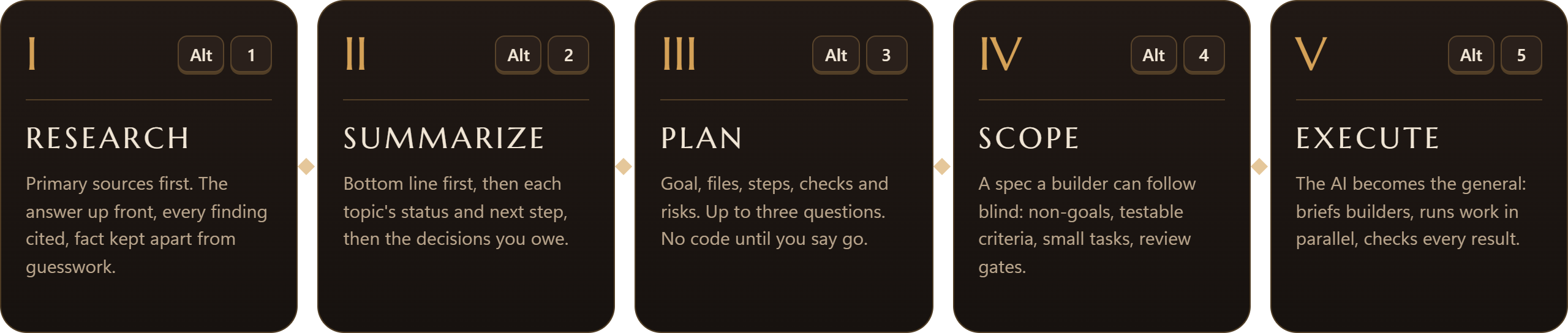
Five prompts written from published best practice, one key each. Edit them, or add your own.
Muster in two minutes
Windows
Run the installer. The first launch downloads a small offline speech model. Hold Ctrl Space and talk.
macOS (beta)
Open the .dmg and drag the app to Applications. The
first time, allow it in System Settings → Privacy & Security →
Open Anyway, then grant Microphone, Accessibility
and Screen Recording.
Stay current
Check for updates in the app installs new versions in place. Your keys, macros, captures and boards are kept.